Dashboard Home
Dashboard is the first page after you log in. It shows how your booths did over a day, a week or a month: revenue, photo sessions, prints, vouchers, the templates guests picked, the booths that earned most, and whether anything needs attention.
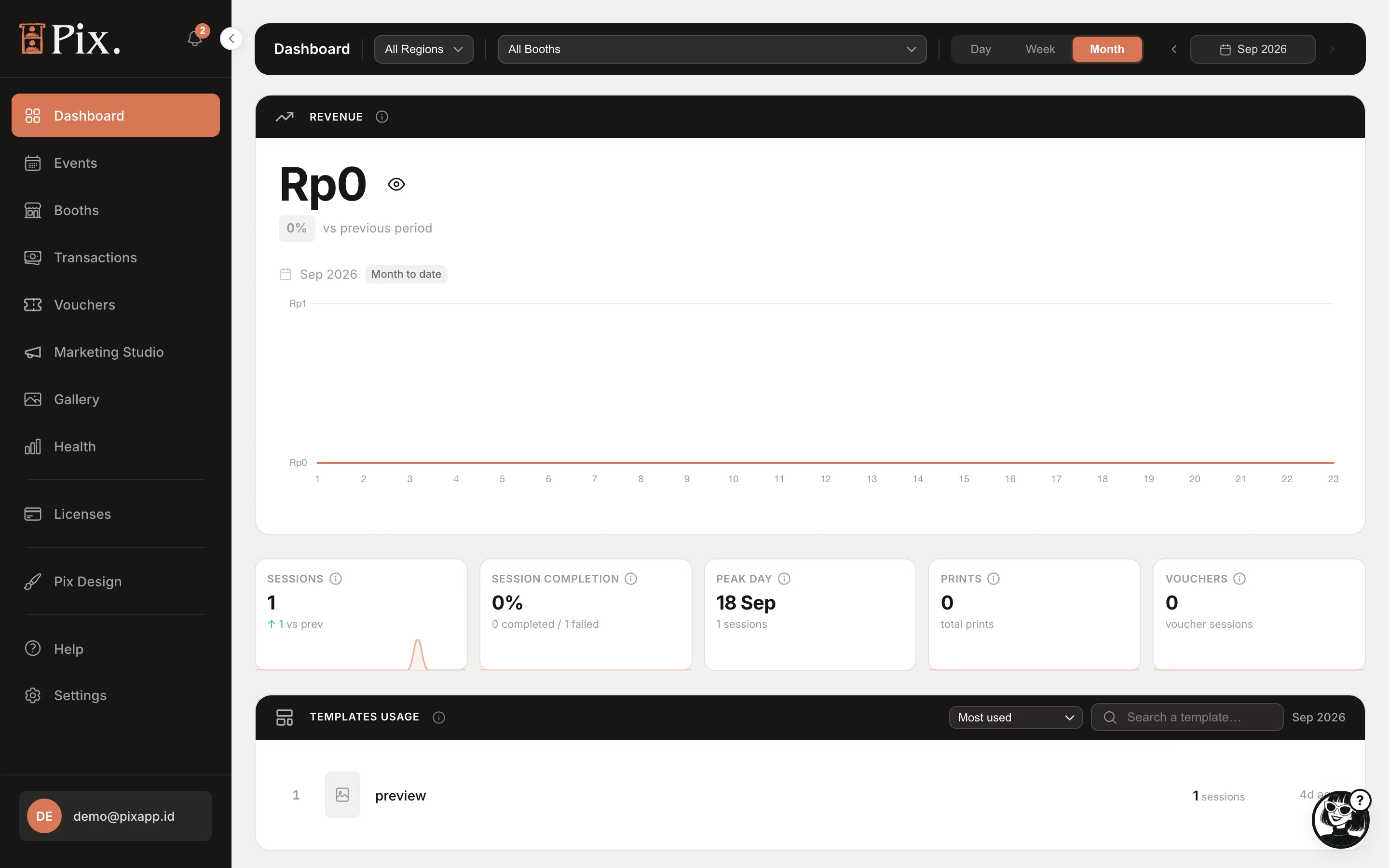
Filters
The header sets what every card below it shows.
| Control | What it does |
|---|---|
| All Regions | Limits the page to booths in one region. Regions are set on each booth's Settings tab |
| All Booths | Limits the page to one booth |
| Day / Week / Month | The period every card reports |
| Month picker | Jumps to an earlier month |
If your booths trade in more than one currency, a row of "Showing" pills appears above the cards. Each currency has its own figures; nothing is converted or combined.
The Cards
Revenue
Paid photo sessions in the period, with a "vs previous period" chip and the month-to-date total. Click the eye icon to hide the figure when someone is looking over your shoulder; click it again to show it.
Sessions
How many photo sessions started in the period.
Session Completion
The share of started sessions that reached the end of the flow. A low figure means guests are starting sessions but not finishing them.
Peak Day and Peak Hour
Your busiest day of the week and busiest hour, so you know when to staff up or restock paper.
Prints
How many prints your booths made in the period.
Vouchers
Voucher redemptions in the period. See Vouchers.
Templates Usage
Which templates guests picked, most used first, with a search box for accounts with many templates.
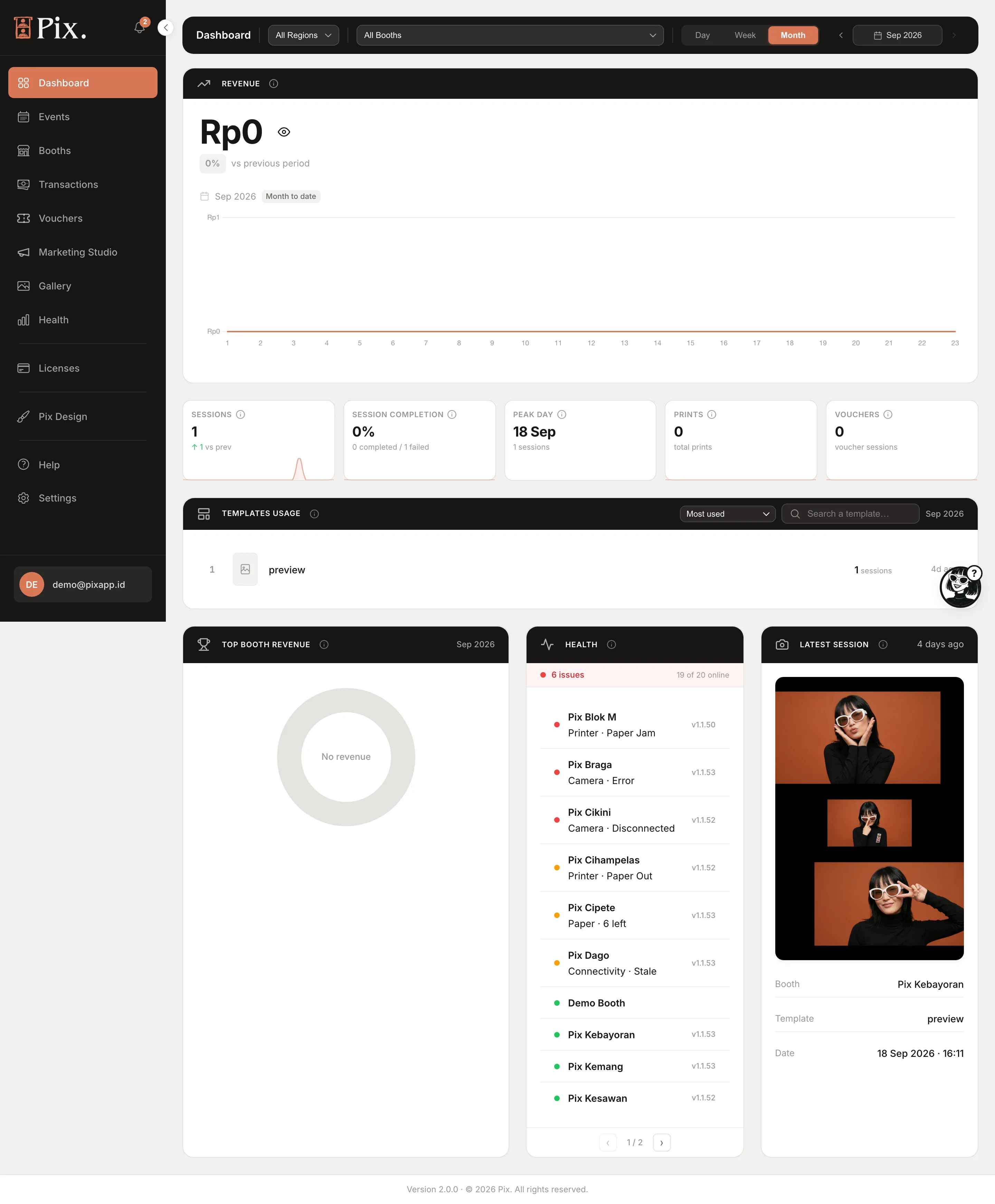
Top Booth Revenue
Your booths ranked by revenue in the period. Useful when you run several venues and want to know which one carries the month.
Health
"All clear" when every booth is online and reporting no issues, "All offline" when none has checked in. Anything in between lists the booths that need a look. The full picture is on Health.
Booth Details Drawer
Open a booth from the Dashboard, for example from the Top Booth Revenue list or the Health card, to see that booth at a glance in a side panel.
| Field | What it shows |
|---|---|
| Today | Sessions and revenue so far today |
| Issues | Anything the booth is reporting |
| First Online / Last Online | When the booth first and last checked in |
| Sessions, Revenue | Totals for the selected period |
| Active Hours / Down Hours | How long the booth was online and offline |
| Hourly Activity | Sessions by hour |
| Paper Level | What the printer reports, where the driver supports it |
"Your booth is live"
When a booth runs its first photo session, the page shows the banner "Your booth is live" with a View gallery link. From then on the cards fill up as sessions arrive.
A brand new account shows zeros and the setup banner. Nothing is wrong: the cards only count sessions that a paired booth has uploaded. Pair a computer, run one test session, and the first numbers appear.