Marketing Studio
Marketing Studio groups the tools that bring guests back: permission to reuse their photos, a contact list, a buy-one-get-one bonus, guest-designed frames, and campaigns that switch all of it on for a season. It is Pix Pro only and does not appear in the sidebar on Pix Starter.
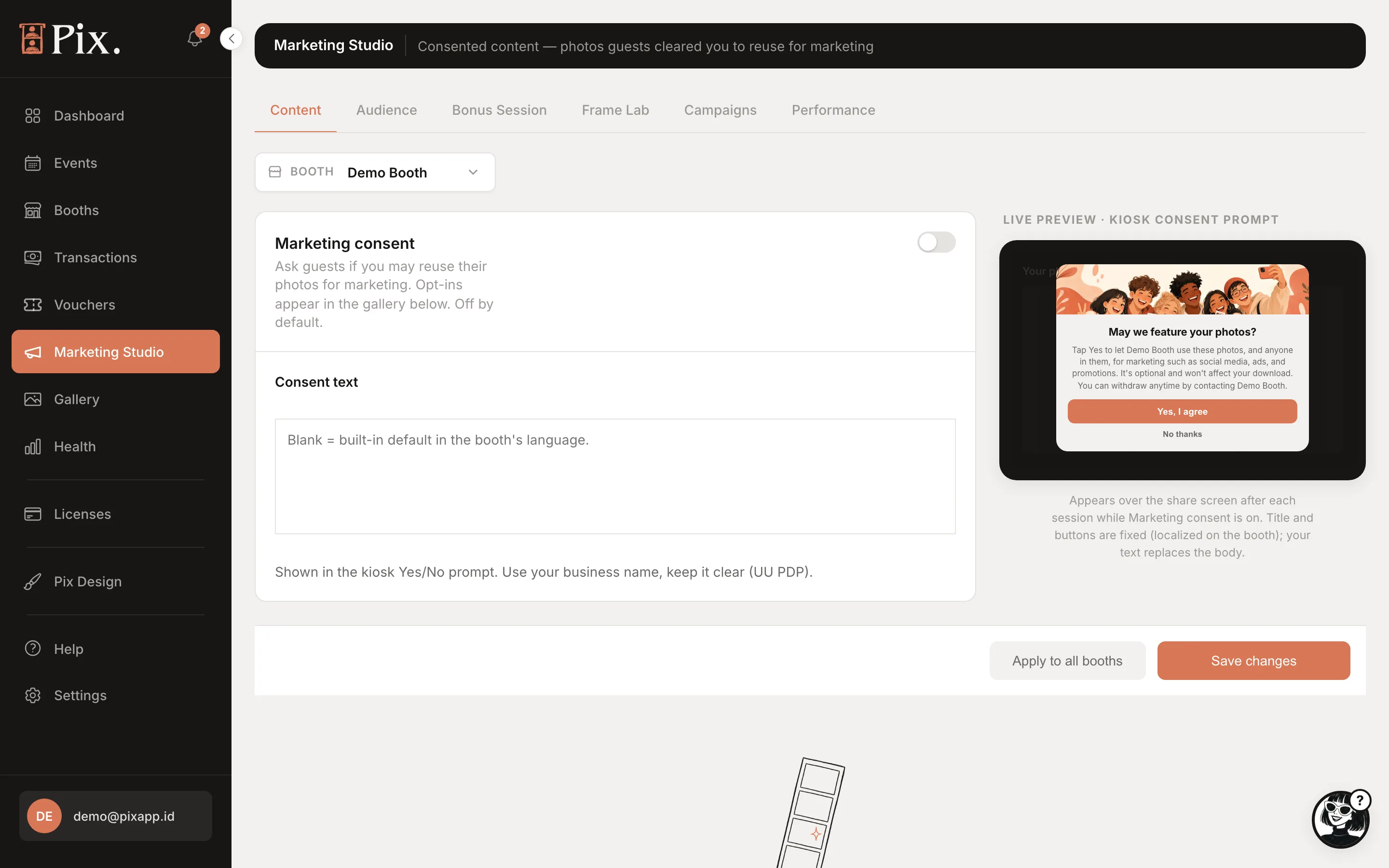
Content
Ask guests whether you may feature their photos. Pick a booth at the top, then:
| Control | What it does |
|---|---|
| Marketing consent | "Ask guests if you may reuse their photos for marketing. Opt-ins appear in the gallery below. Off by default." |
| Consent text | Your own wording. "Blank = built-in default in the booth's language." |
| Live preview | The booth prompt as guests see it: "May we feature your photos?" with Yes, I agree and No thanks |
| Apply to all booths | Copies this booth's consent settings to every booth |
| Save changes | Saves the selected booth |
Photos from guests who agreed appear in the gallery below these settings, so you can find them for social media.
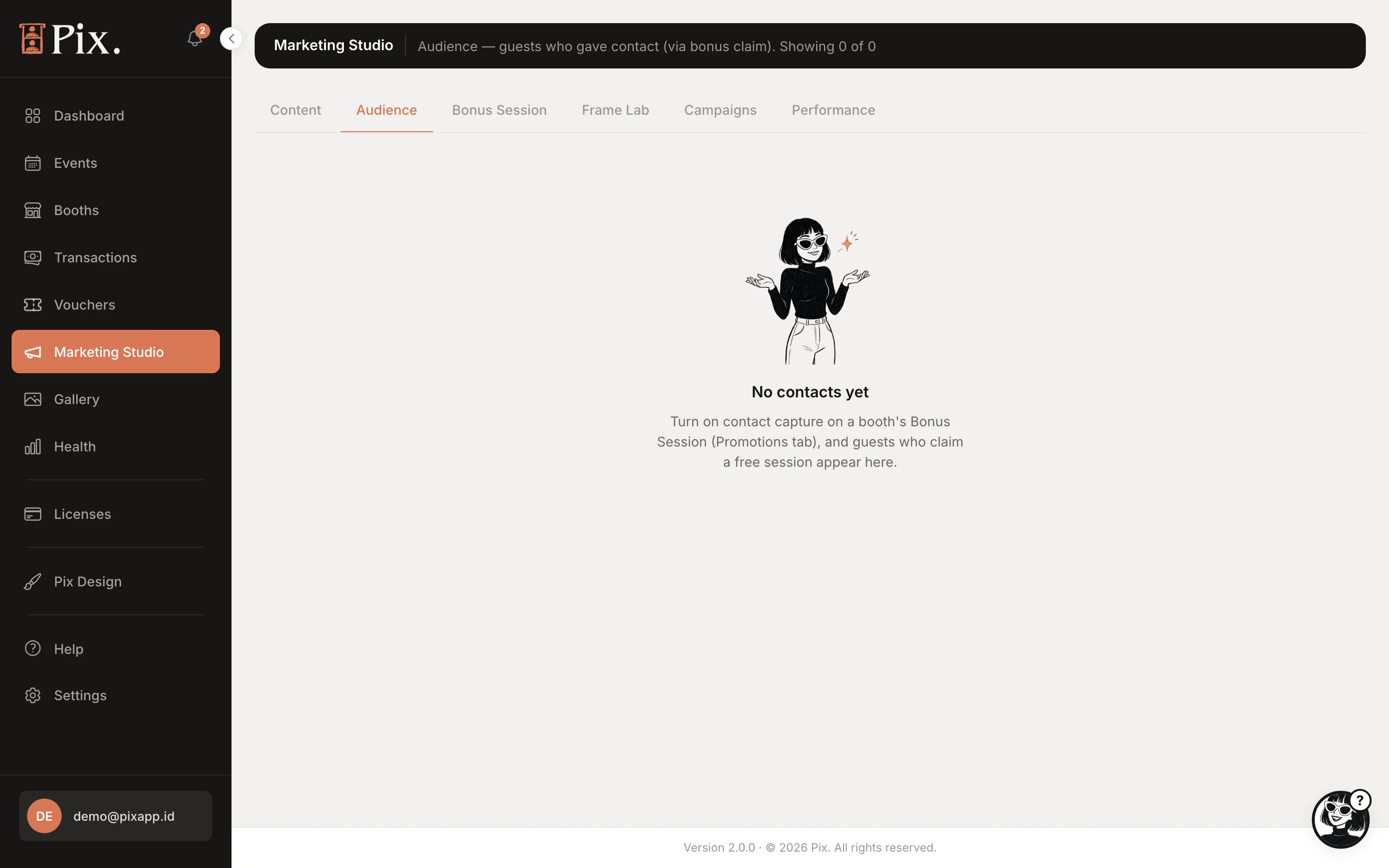
Audience
The contacts captured at your booths, with Contact, Visits and Last seen, and Remove for anyone who asks to be forgotten. Contacts come from Bonus Session's contact capture.
Bonus Session
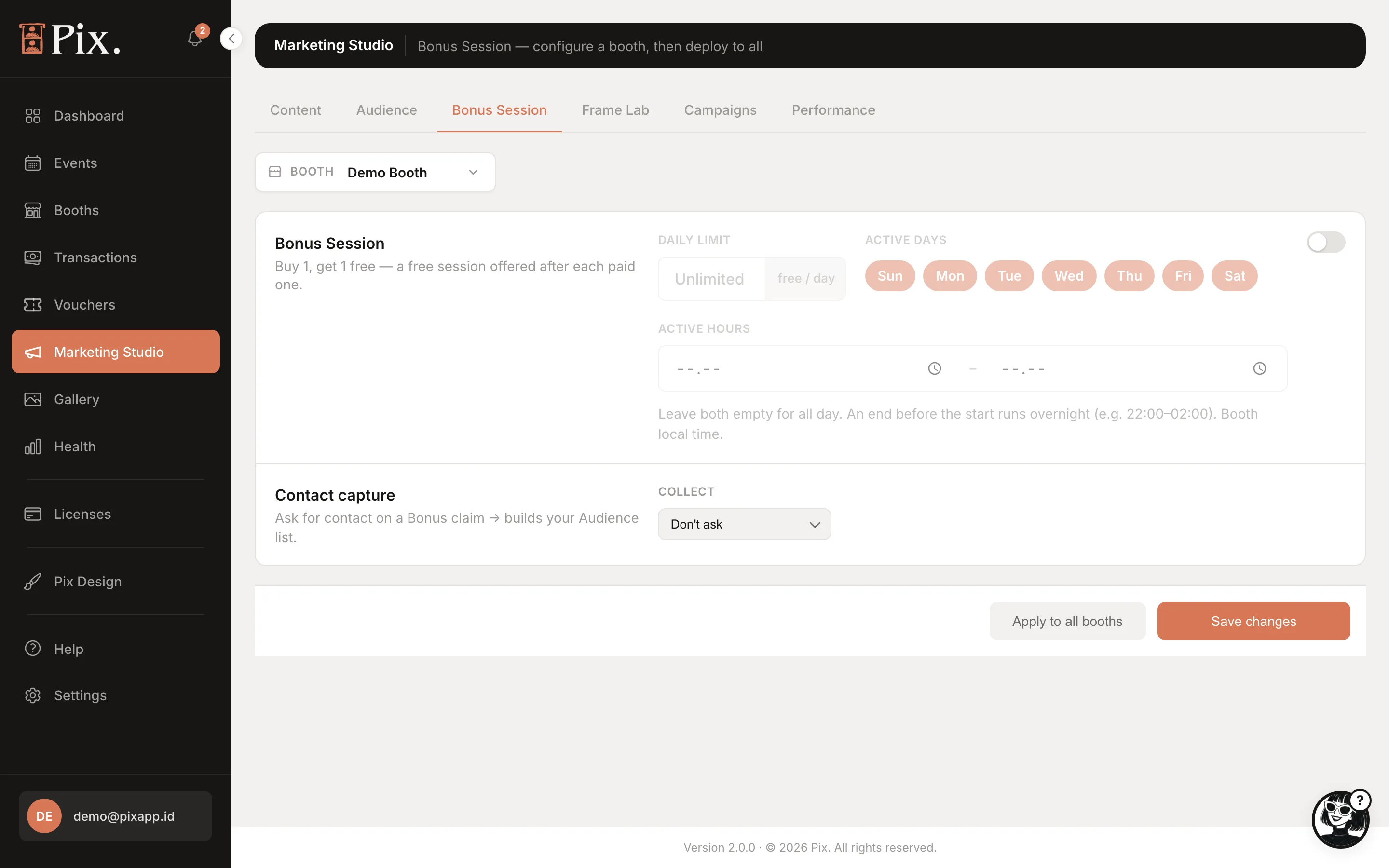
Buy 1, get 1 free. A guest who pays for a photo session gets a second one free, right after the first, with a popup on the booth and a countdown into the next session. It fires only after a genuinely paid session: a free, voucher or bonus session never earns another bonus.
| Setting | What it does |
|---|---|
| Daily limit | How many bonus sessions a booth may give per day. Blank or 0 means no limit. Resets at midnight in your timezone |
| Active days | The days of the week the bonus runs |
| Active hours | The hours it runs, for example only on a quiet weekday afternoon |
| Contact capture | Collect or Don't ask, and whether to ask for Email, Phone or Email + phone before the free session starts |
Bonus sessions show a Bonus label on Transactions.
Frame Lab
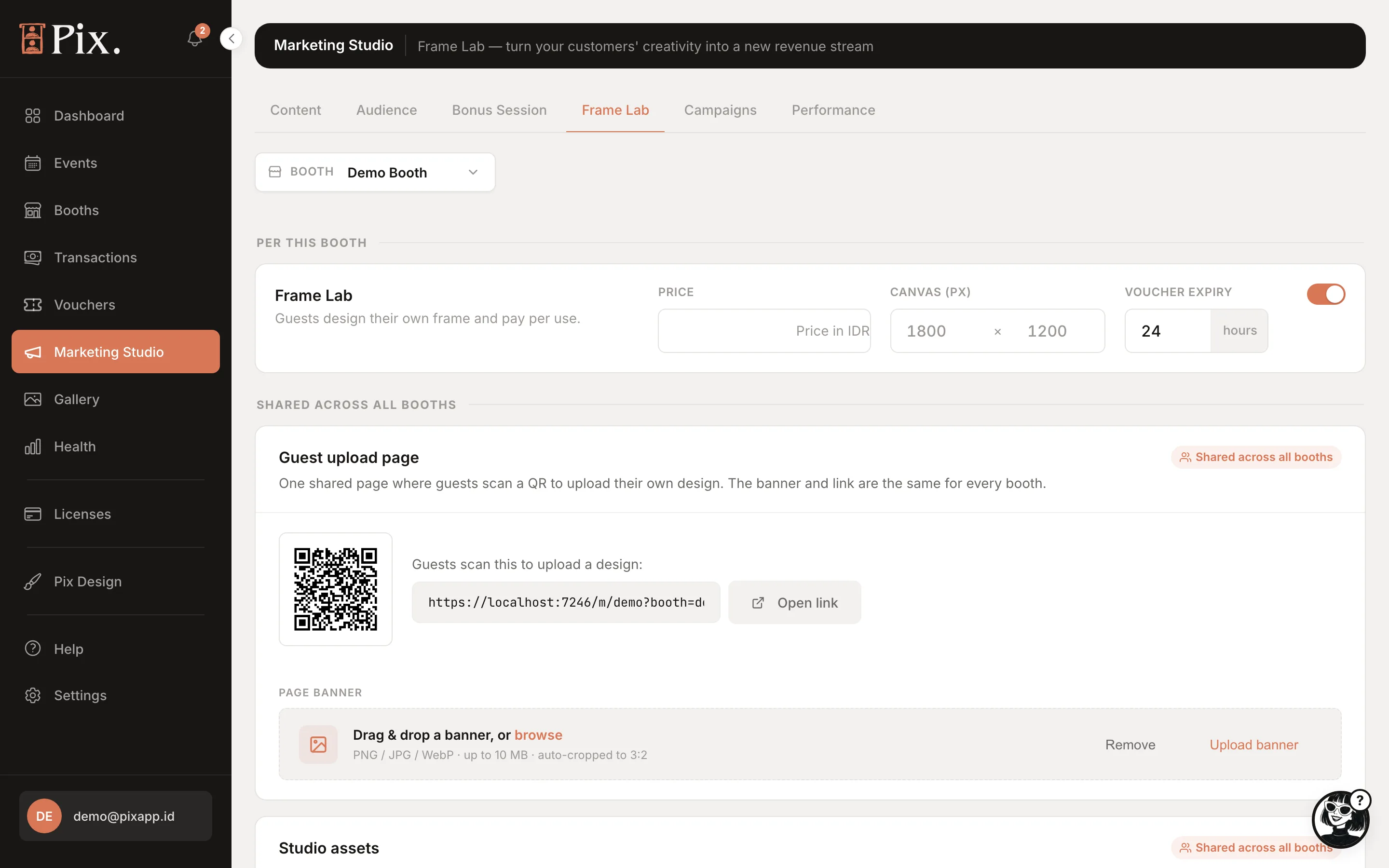
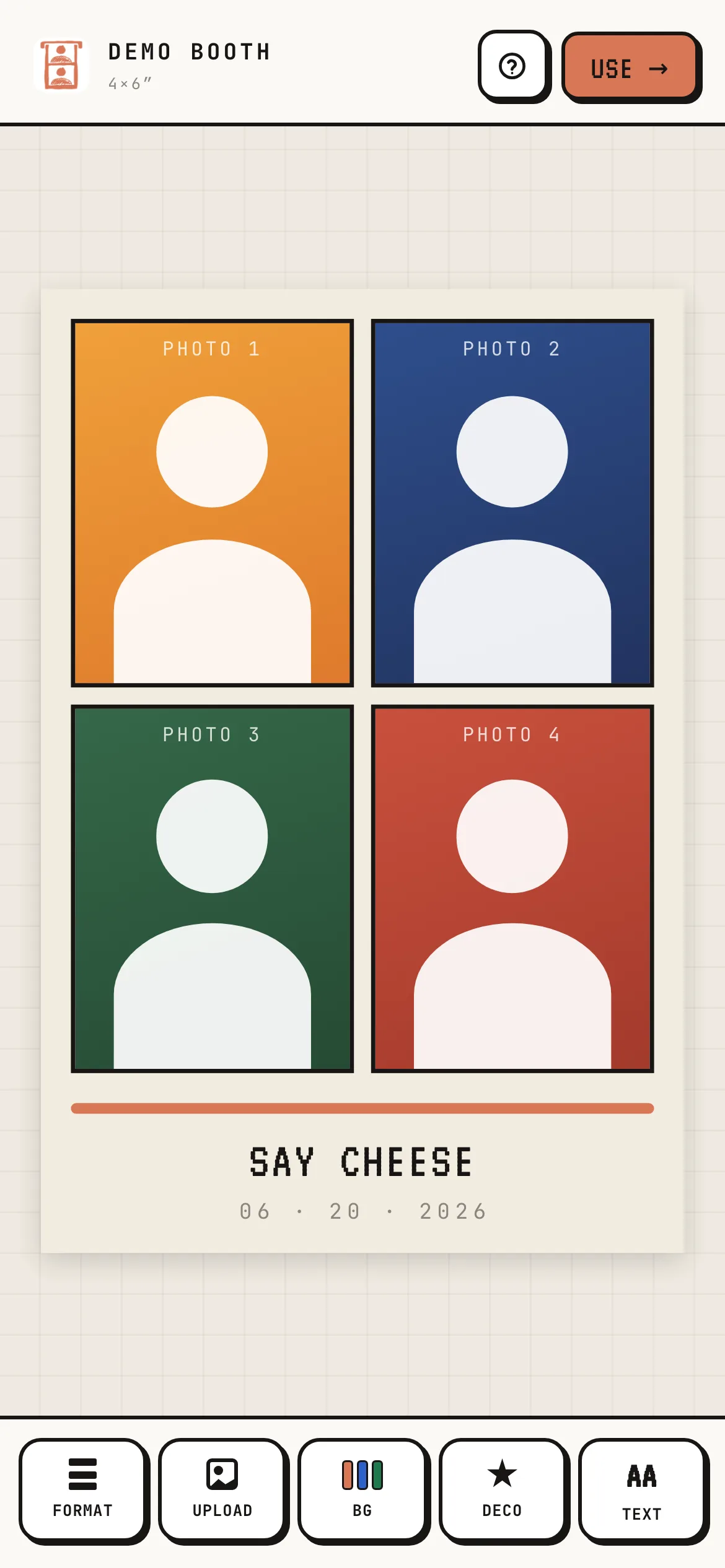
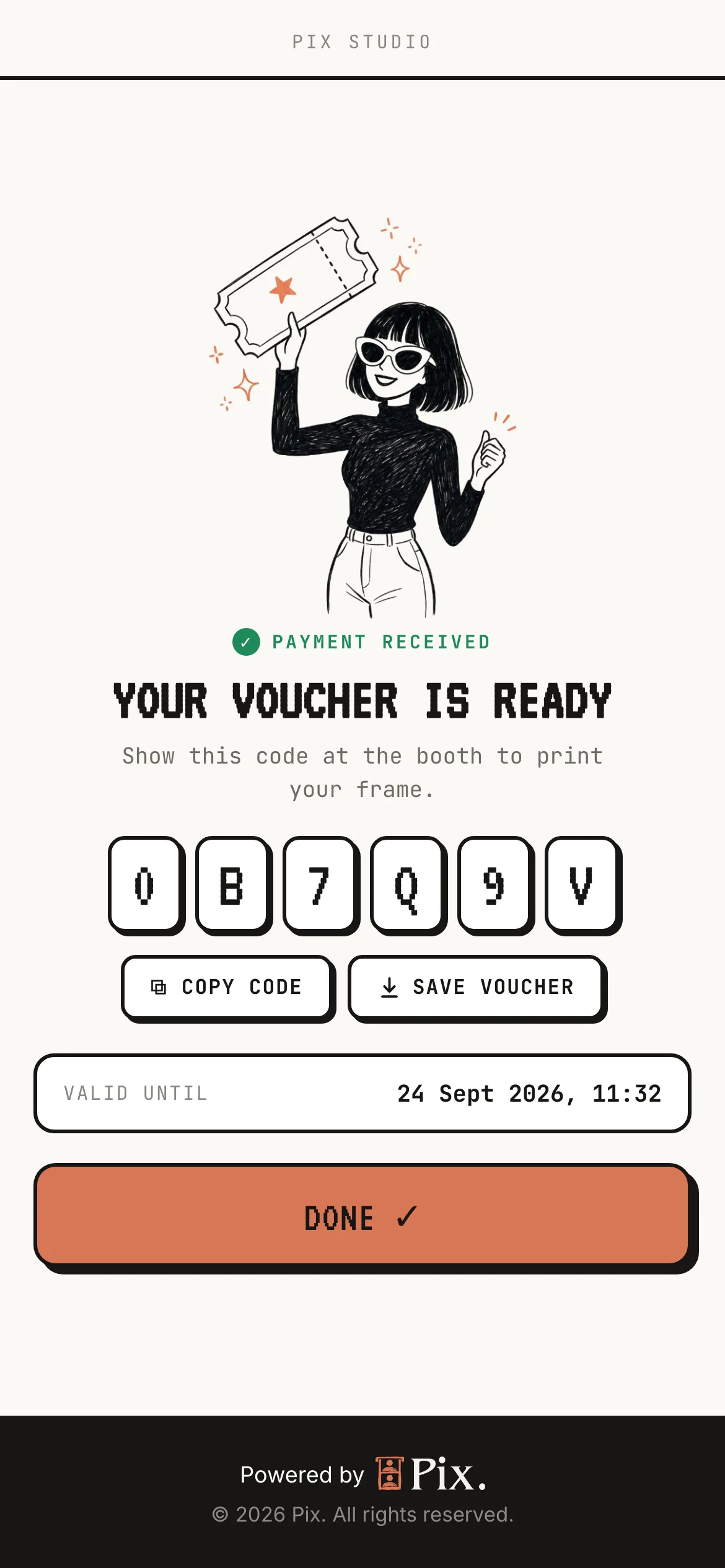
Frame Lab lets a guest design their own frame on their phone, pay for it, and use it at the booth. The guest either builds the frame in a small studio (layout, colours, stickers, caption) or uploads a finished PNG, pays by QR code through your gateway, and gets a single-use voucher code that loads their frame on the booth. Each booth has its own Frame Lab switch, Price, Canvas (px) and Voucher expiry (hours). Below them are the shared Guest upload page QR and link, the Page banner, the Studio assets (textures and graphics guests can use in the studio) and Recent Frame Lab uploads with each order's voucher code and status. Frame Lab sales show as CT rows on Transactions. The per-booth page with the same settings is reached from the Frame Lab cell of the booth's property grid; see Booths. The whole journey, from switching it on to the guest redeeming the code at the booth, is in Let Guests Design Their Own Frame.
Campaigns
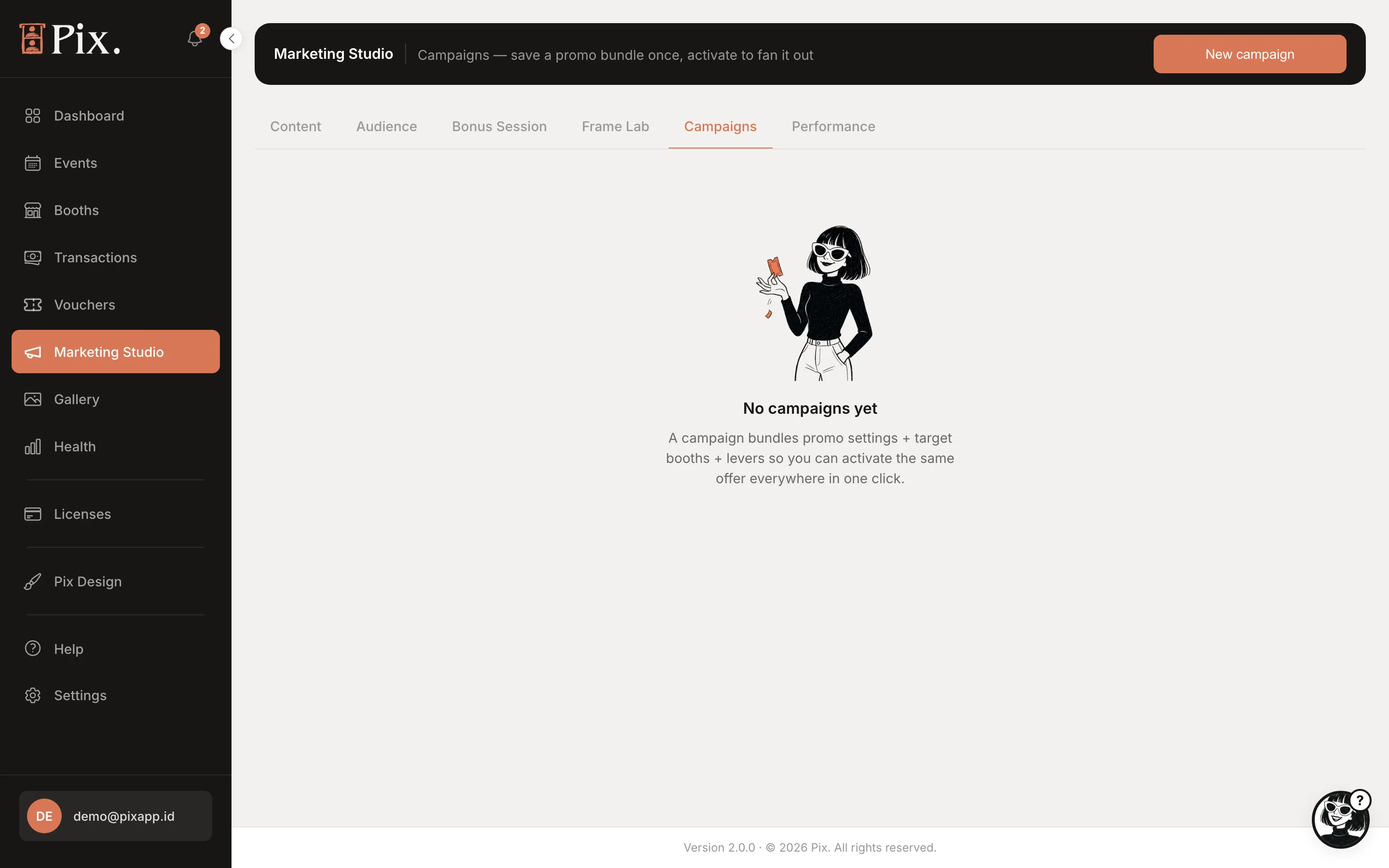
A campaign switches a set of promotions on across booths for a period, so a school holiday or a mall anniversary is one thing to start and one thing to stop.
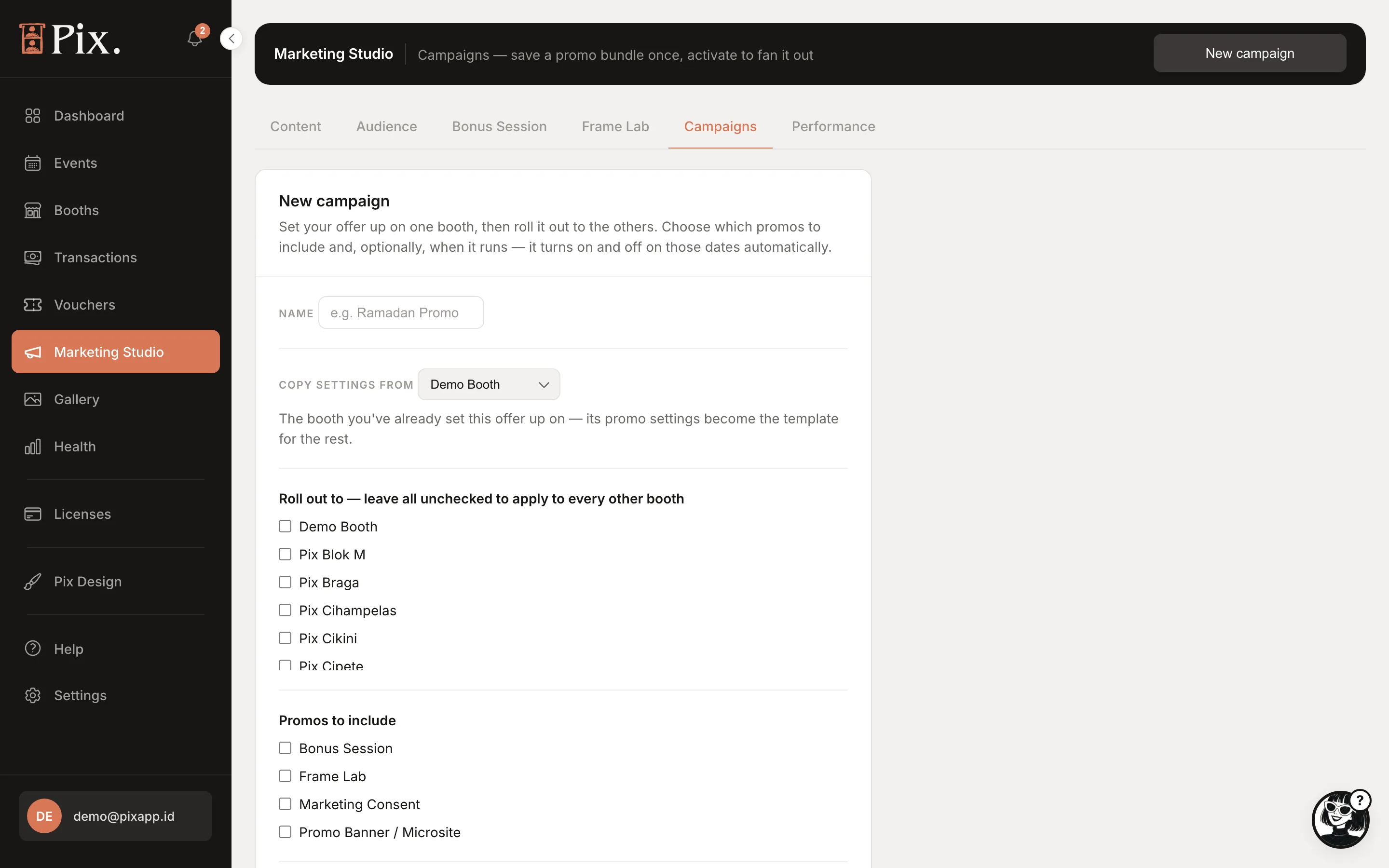
| Field | What it is |
|---|---|
| Name | What you call it |
| Copy settings from | A booth whose current Bonus Session, Frame Lab and consent settings the campaign reuses |
| Roll out to | The booths it applies to |
| Promos to include | Bonus Session, Frame Lab, Marketing Consent, Promo Banner / Microsite |
| Starts, Ends | The campaign's dates |
Click Save campaign. Each campaign row has Activate now, Deactivate and Delete.
Performance
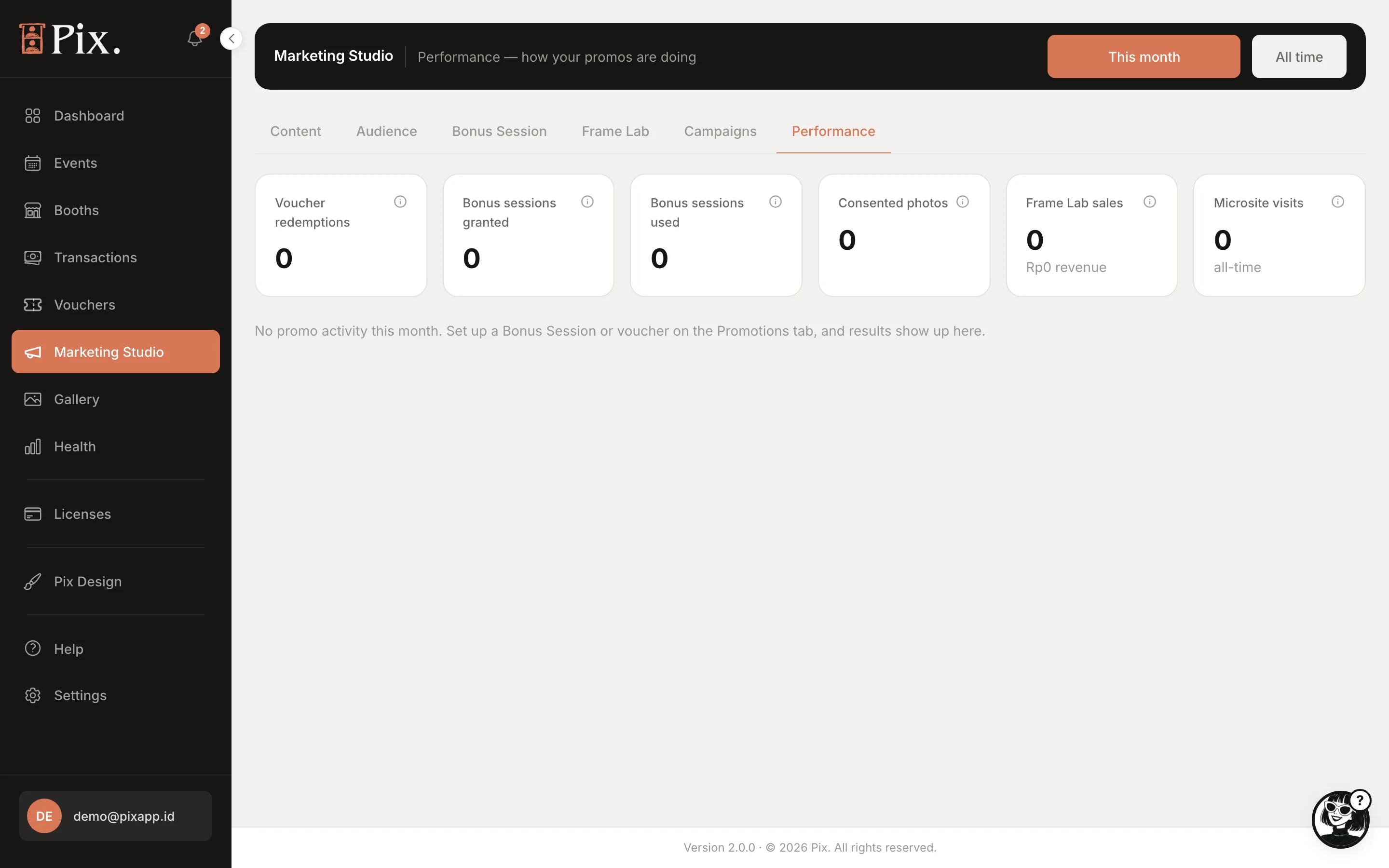
This month and All time figures for Voucher redemptions, Bonus sessions granted, Bonus sessions used, Consented photos, Frame Lab sales and Microsite visits. On multi-currency accounts the "Showing" pills pick the currency for the money figures.
Of everything here, Bonus Session is the fastest win: it costs one extra photo session and, with contact capture on, gives you a contact you can invite back.